Washington University Information Technology provides help through many methods, including How-To resources, troubleshooting articles in our Knowledge Base (requires WashU Key login), and contacting the IT support group assigned to your area.
Support

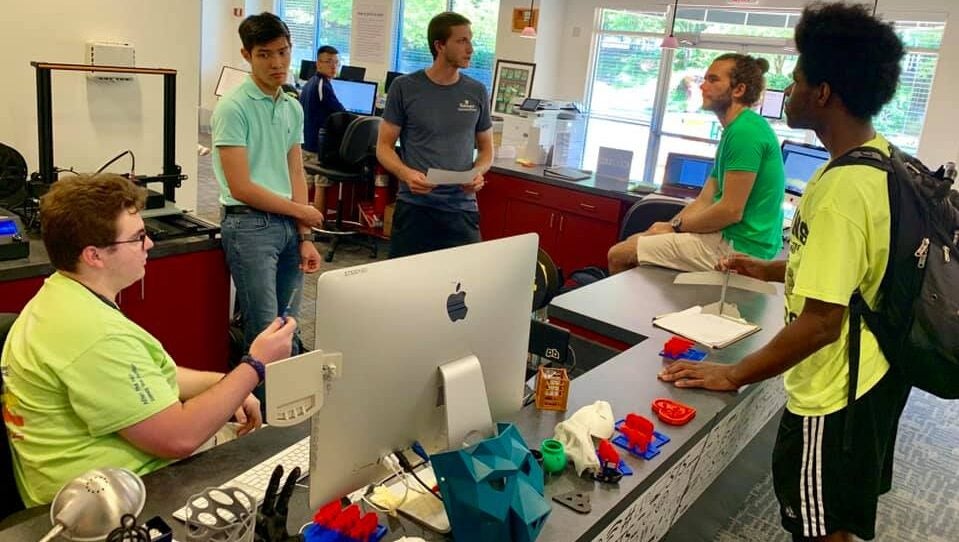
WashU IT Support: Our expert staff consists of trained Information Technology personnel and competent student technicians. If we cannot answer your question, we will route you to the appropriate department or person.
phone: (314) 933-3333 | email: ithelp@wustl.edu | web / chat: ServiceNow
Specialized Support


Knowledge Base
Our knowledge base contains thousands of articles containing troubleshooting guidance for common IT issues. Search key terms related to your problem to find solutions.
How To
Make the most of offerings and services from WashU Information Technology. WashU IT offers direction in the form of guides, FAQs and videos to help you work more efficiently.

Canvas
Online learning for students and faculty.

ClickUp
ClickUp is a project-management and collaboration software the is used by various areas of the University, including University Advancement and staff in the Chancellor’s Suite.

Cloud Backup for Computers (Code42 CrashPlan)
A cloud solution offering secure, HIPAA-compliant file protection for Washington University users.

CommTrak
CommTrak is an application used by Project Mangers, Business Analysts, and/or Organizational Change Management (OCM) resources to track project-related communication and training activities.

Confluence
Confluence is a collaboration tool used to organize work and as a document repository. This tool may be integrated with Jira.

CyberArk FAQ
CyberArk is a leader in privileged access solutions. CyberArk patented vault technology over 22 years ago and offers a wide variety of credentials and secrets management with flexible automatic password rotation…

Digital Faxing with Faxcom
A digital faxing solution that allows Washington University users to send faxes through the internet.

KnowledgeLake
KnowledgeLake document imaging allows for capturing, processing, and managing electronic images of paper and digital documents.