How to locate your tagged files
- After logging in to Box, select the filters icon in the search bar near the top of the window.

2. Enter or select the following filters, adjusting as needed:
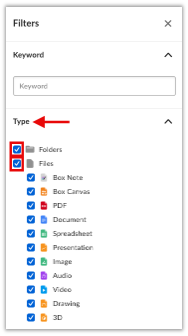
2.a. Type: select Folders and/or Files
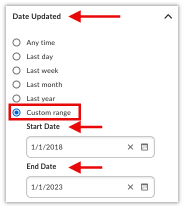
2. b. Date Updated: select Any time or Custom range.
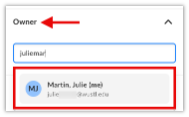
2.c. Owner: begin entering your email address, select it when it appears below.
• If running the search for a team, enter everyone’s individual email addresses.
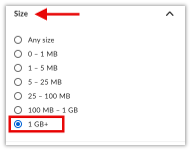
2.d. Size: select the size(s) required.
• Recommended starting point: Choose 1 GB+ to identify your largest files first.
• Beginning with large files helps you quickly free up space and prioritize items that may be good candidates for archival or deletion.
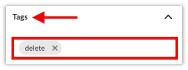
2.e. Tags: enter the tag name(s) for the data group you are searching for and select it when it appears below.
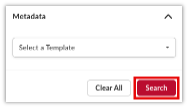
3. After setting your filters, select Search. The results will show in the main window.
Related: How to tag files and folders in Box